AI photoshoots for Shopify apparel: Your whole catalogue, photographed on models.
Pick a product, a model and a place. OnShoot makes up to 12 on-model photos in a few minutes, and adds the ones you like to your product page.


- 8 MP
- 2480 × 3312 pixels, every photo
- 12
- photos from one shoot
- 16
- places, or one you describe or upload
- 0
- credits spent on photos that don't come out
Three choices. One photoshoot.
Choose the product, the model and the place. OnShoot photographs your garment on that model, in that place, and makes up to twelve photos in one shoot.
 01 · Product
Your product photo
The blazer, on a hanger
 02 · Model
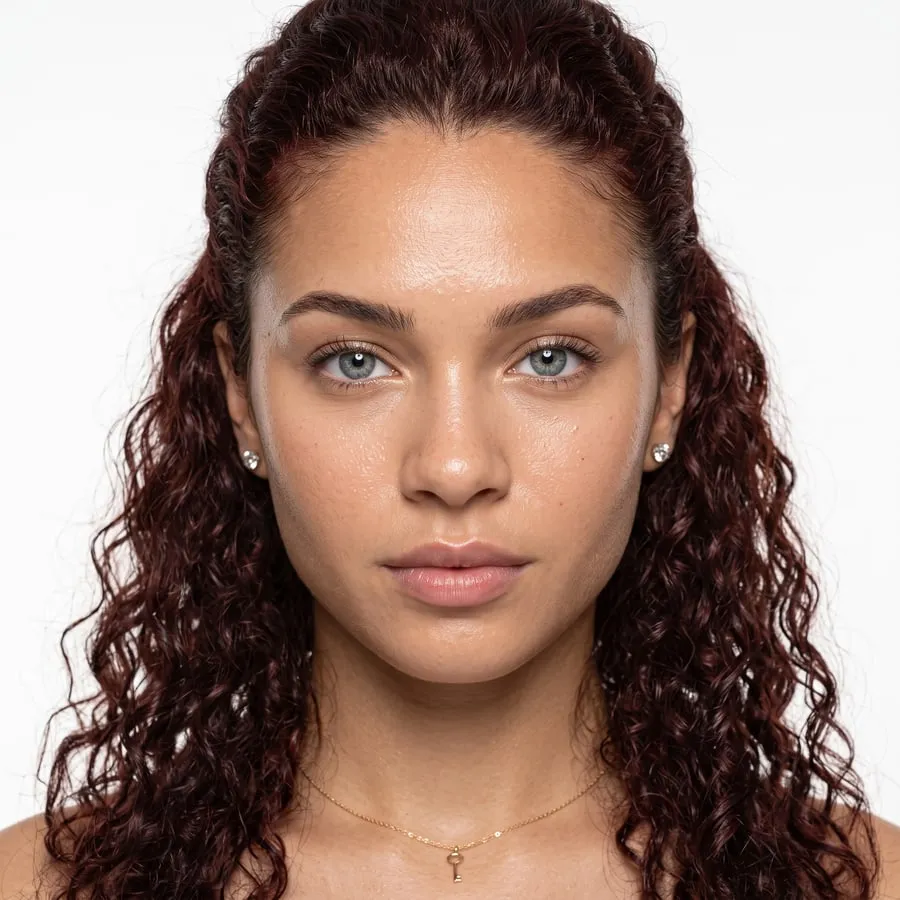
A model
Noor · 18–24 · Curvy
 03 · Place
A place
The loft, or one you describe
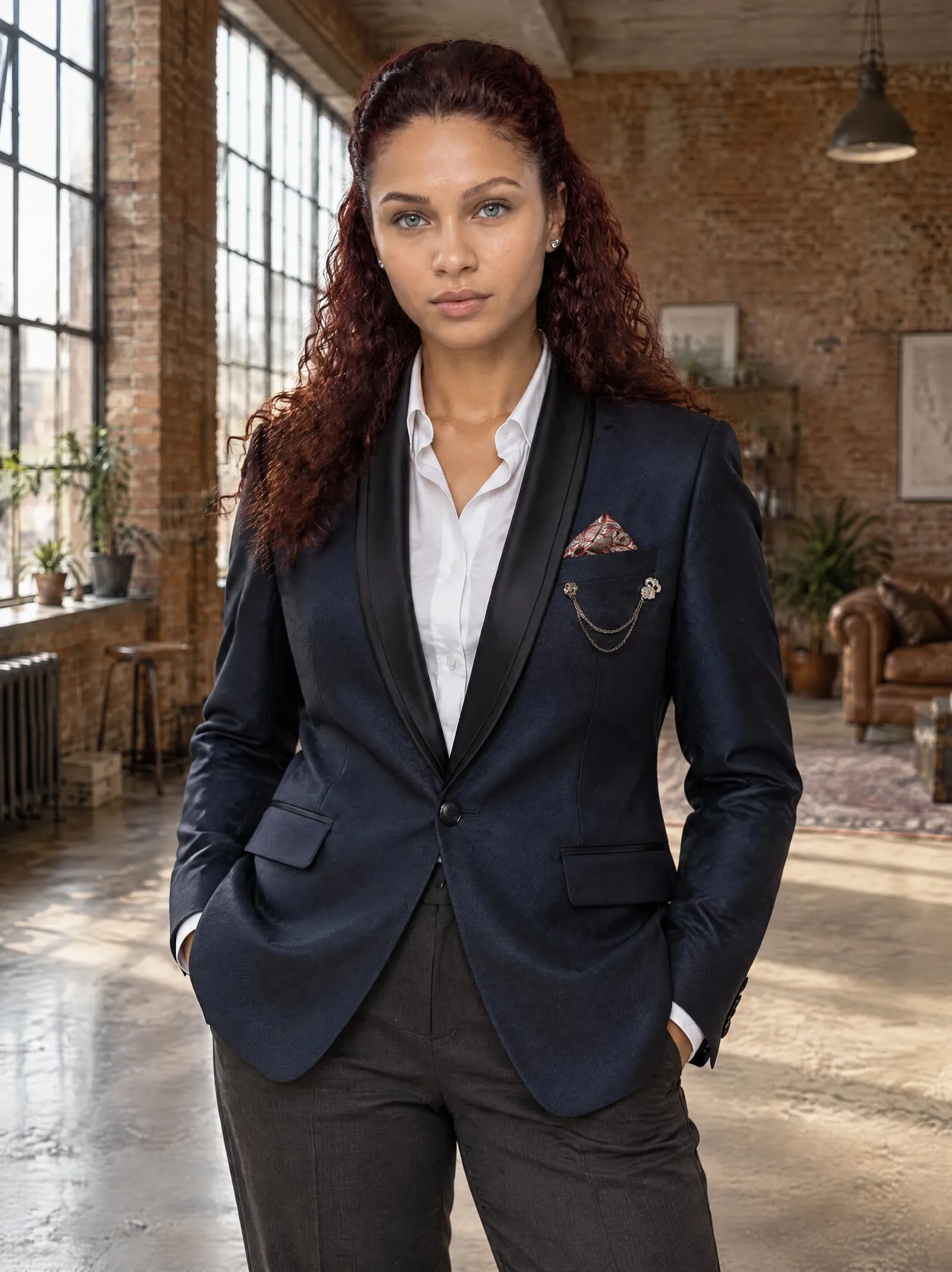


Then keep the photos you like and add them to the product in one click, with alt text written for you.
A photoshoot, start to finish.
The whole idea in twenty seconds: one product photo, a model and a place, and twelve photos that look like one shoot.
A silent 20-second film. A navy blazer on a hanger, the model Noor and an empty brick loft come together as photoshoot #1031; its twelve photos appear in a grid; photos of other models in a studio, a café, a street and on a beach drift past; it ends with “Your next product photos are a few minutes away. Install on Shopify — free.”
Real photos, from the photos you already have.
Every photo on this page was made by OnShoot from one product photo, on the models and in the places you can pick in the app.


From a dress form to a café.
Red polka-dot tea dress · Lena · #1014


A photo of your shop becomes the set.
Noor · in the café photo it was given · #1028

One shoot. One look.
Every photo of a shoot is taken in the same place, and the model wears one outfit with your product, so your product page looks like one shoot, not twelve.
Runs inside your Shopify admin.
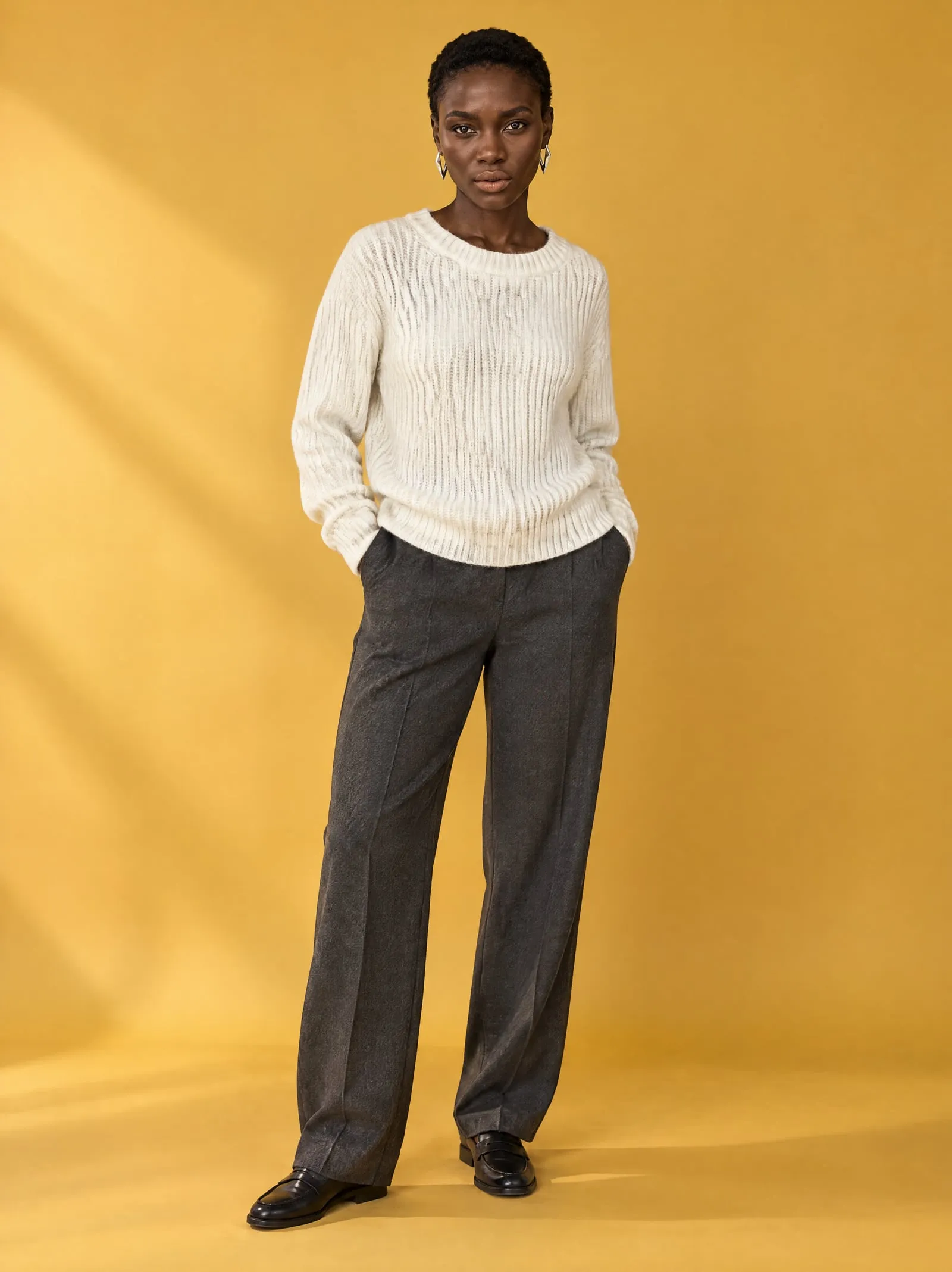
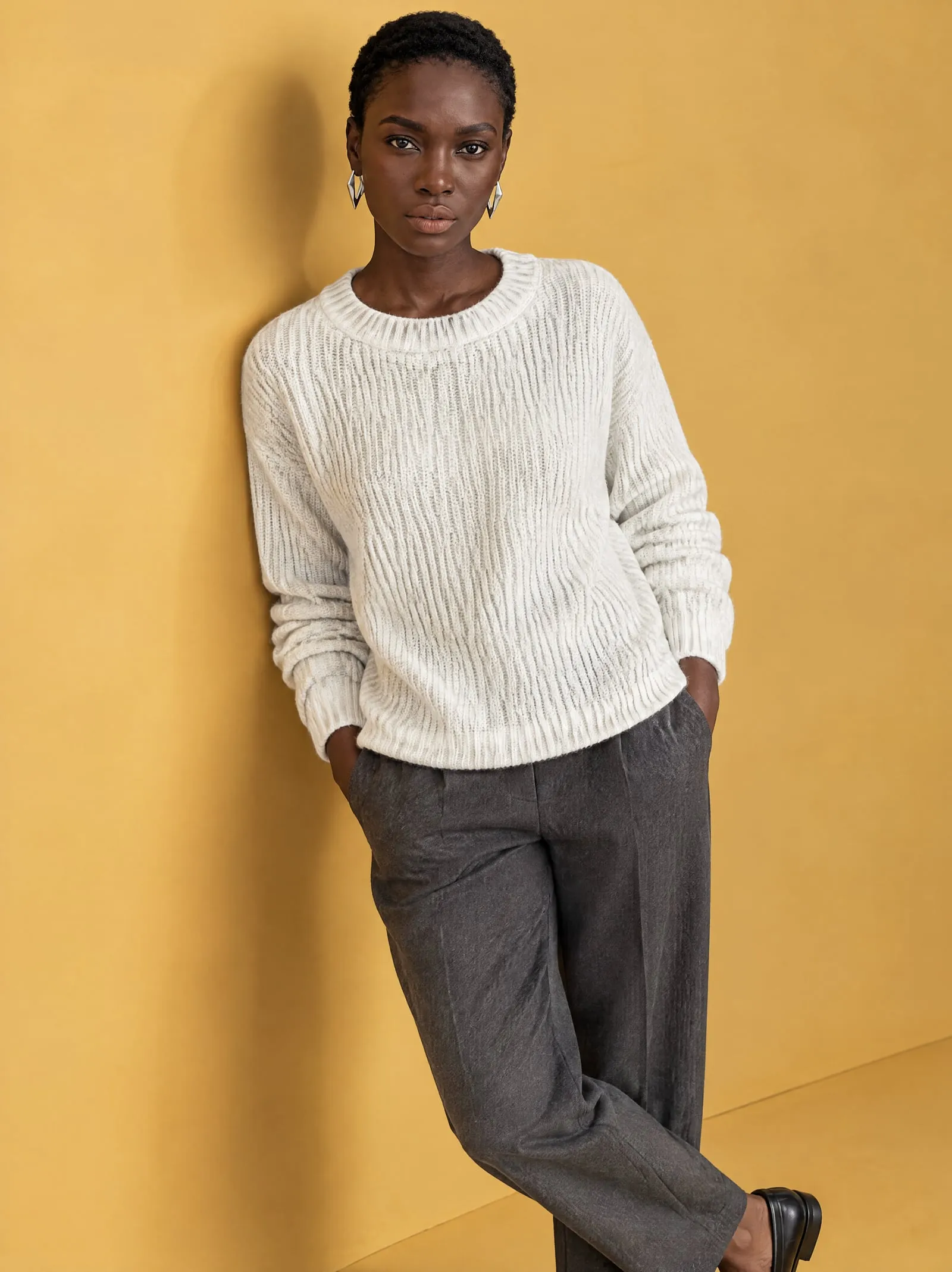
No new login and no new bill. Pick a product from your store, then add the photos you like to its media, with alt text written for you.
- Home
- Orders
- Products
- Customers
- Content
- Analytics
- Marketing
- Discounts
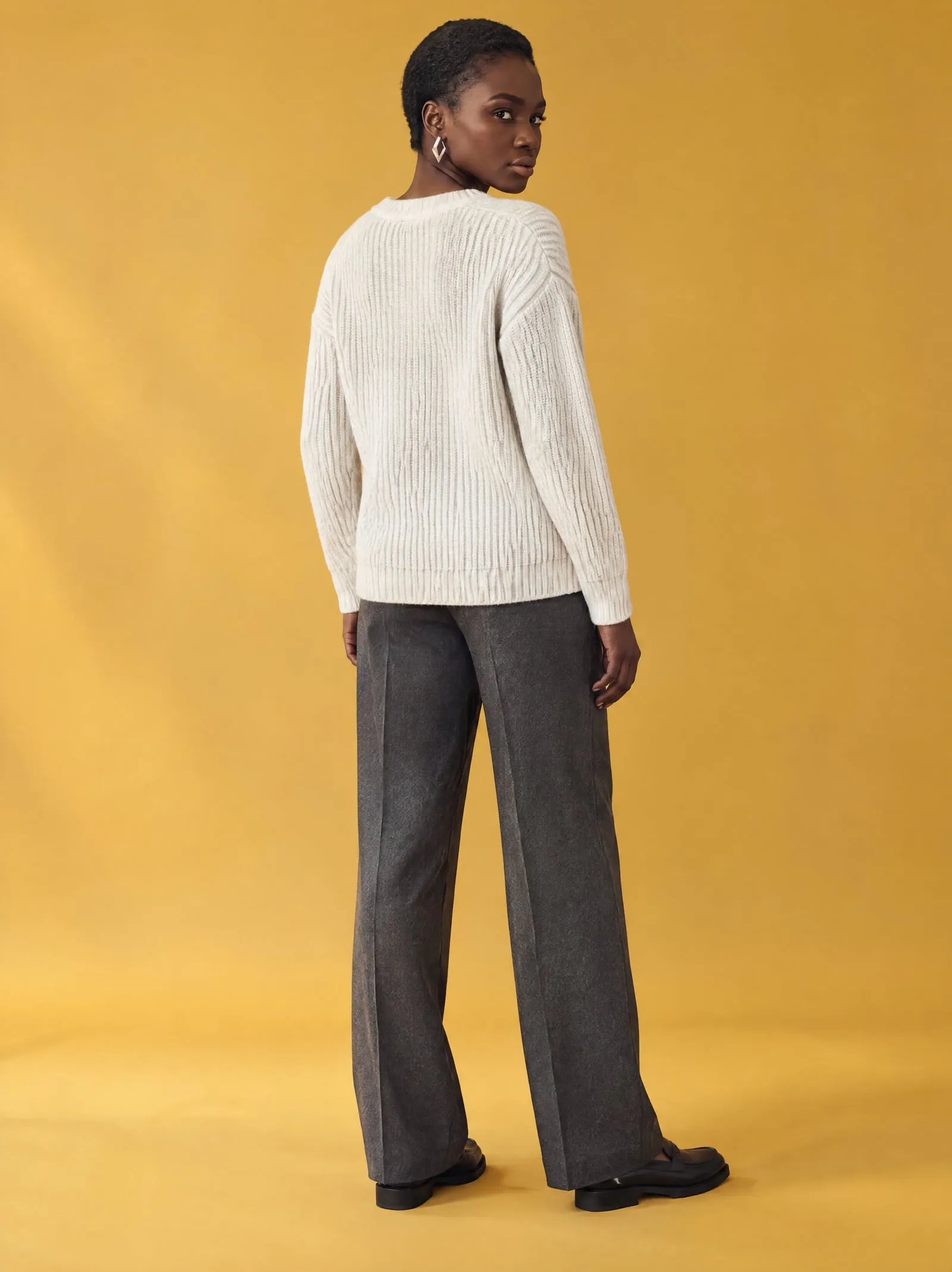
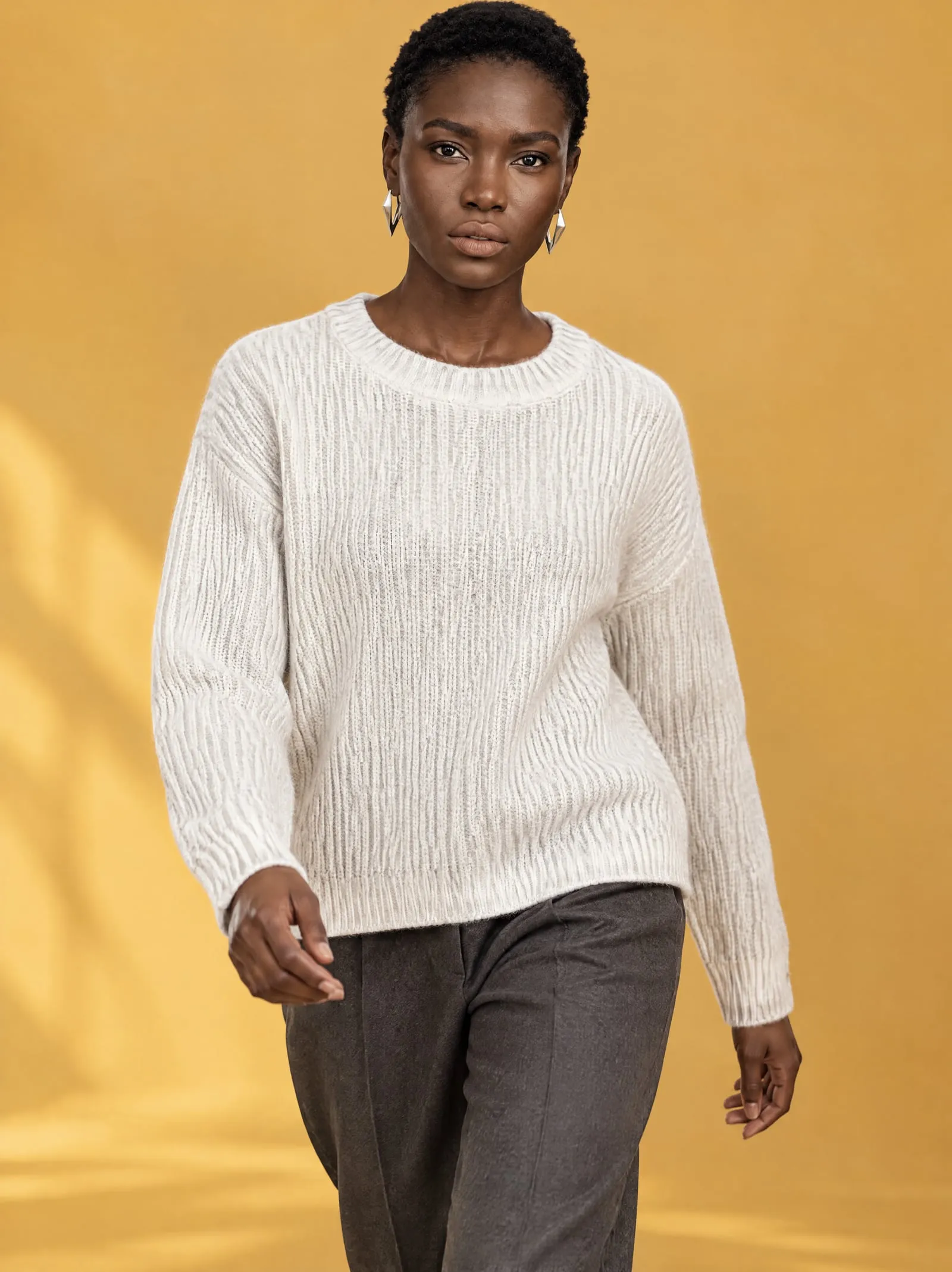
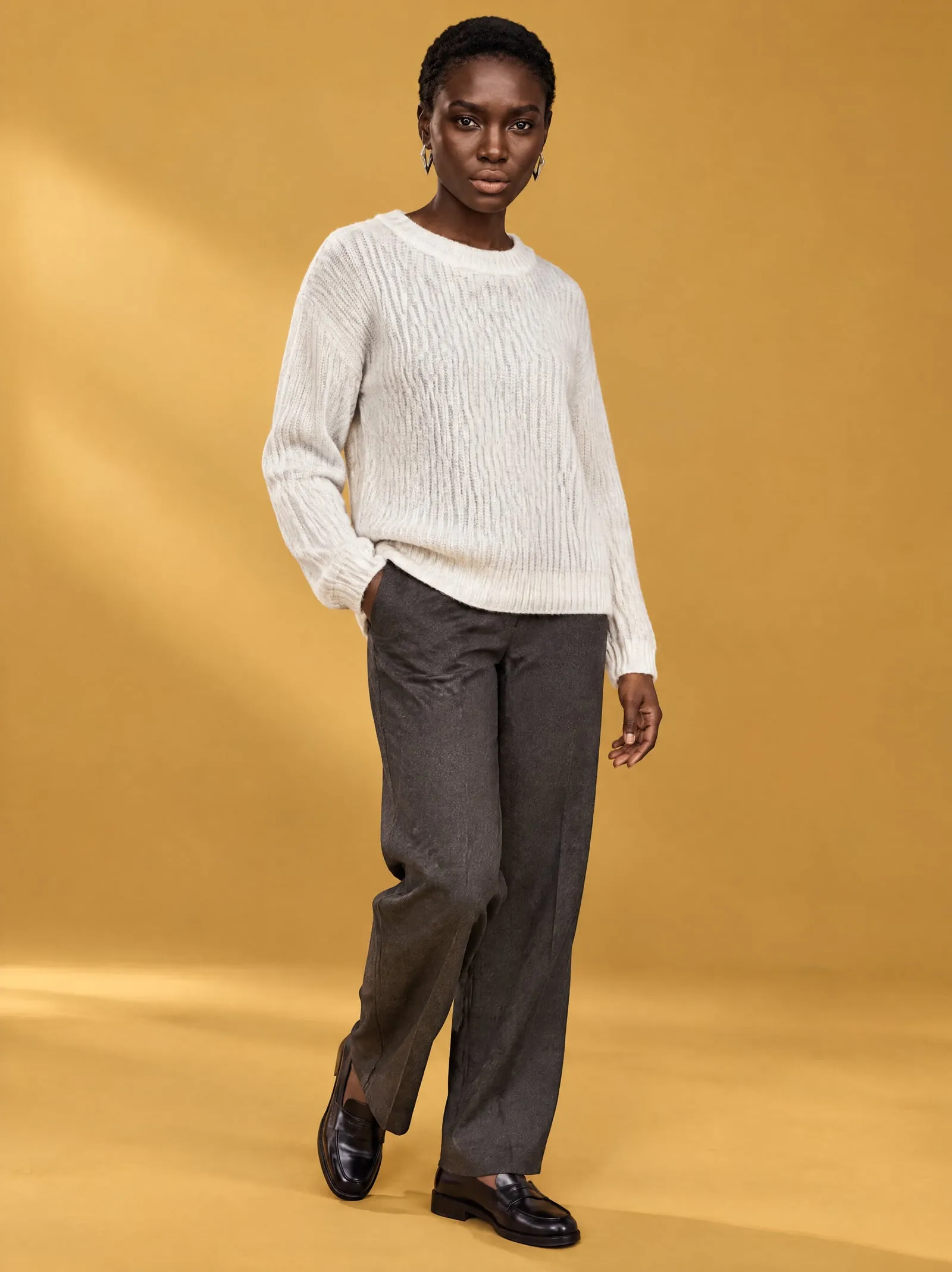
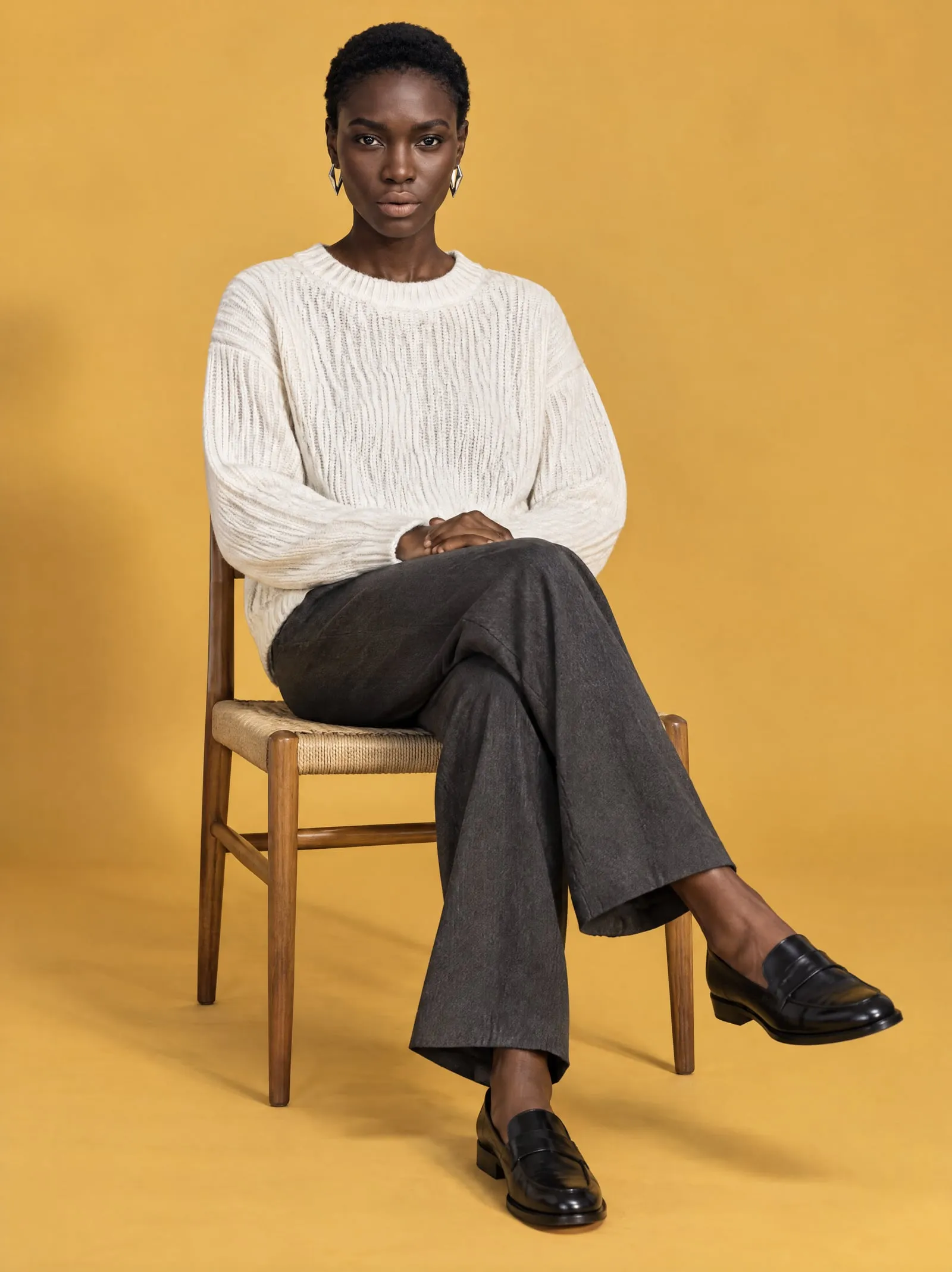


- 01
Add or replace media
Add puts the photos after the product's current media. Replace swaps them, and the old files stay in your store's Files.
- 02
Alt text written for you
Each photo gets alt text naming the product and the view, ready for search and screen readers.
- 03
Private until you add them
Photos stay in OnShoot's private storage, behind links that expire, until you add them to a product.
A model for every customer.
Women and men from 18 to 44, with a range of builds and skin tones. New faces join over time, and every model works in every place.
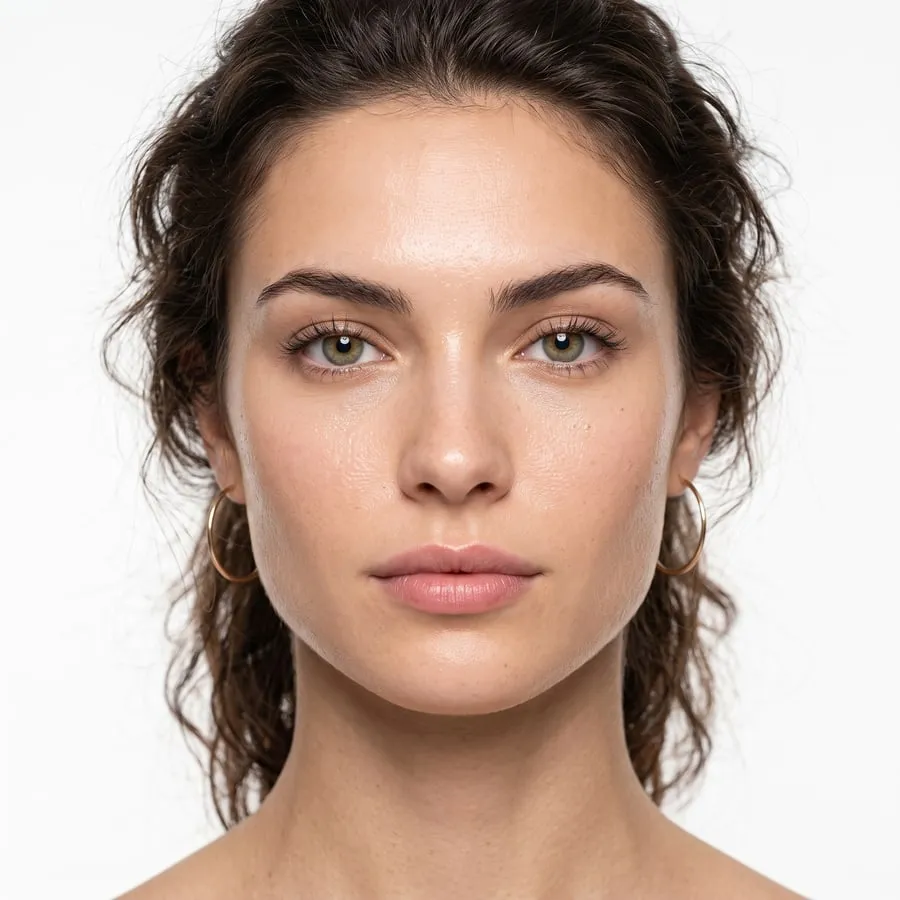
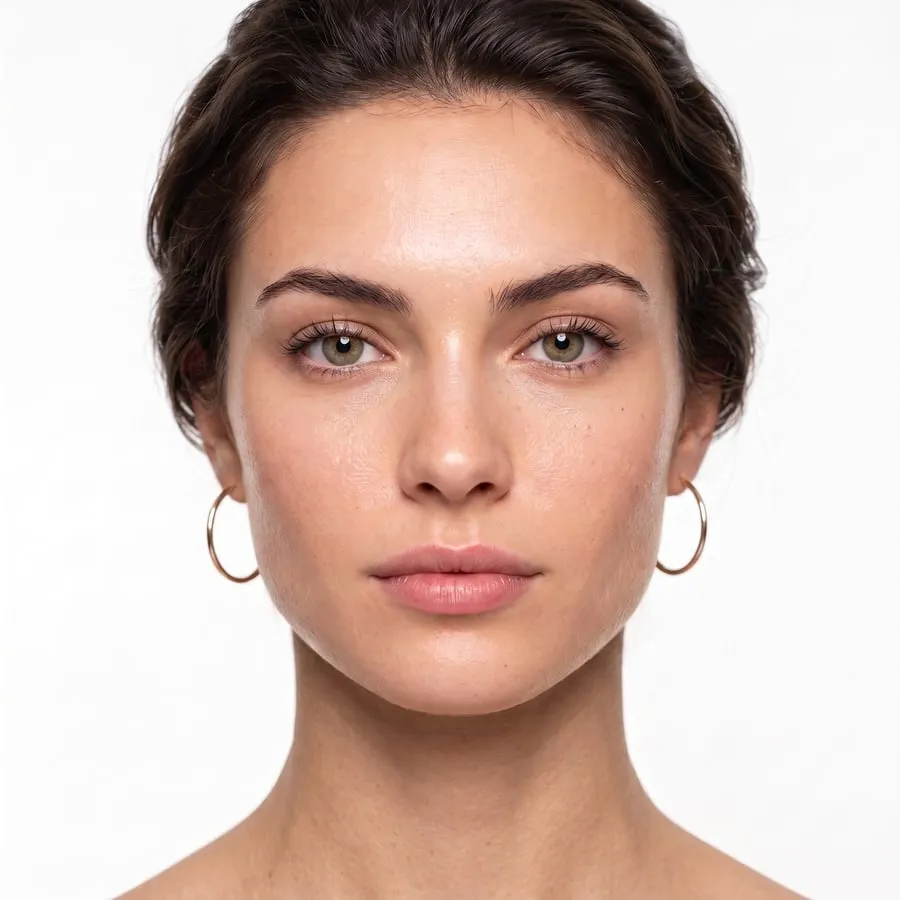
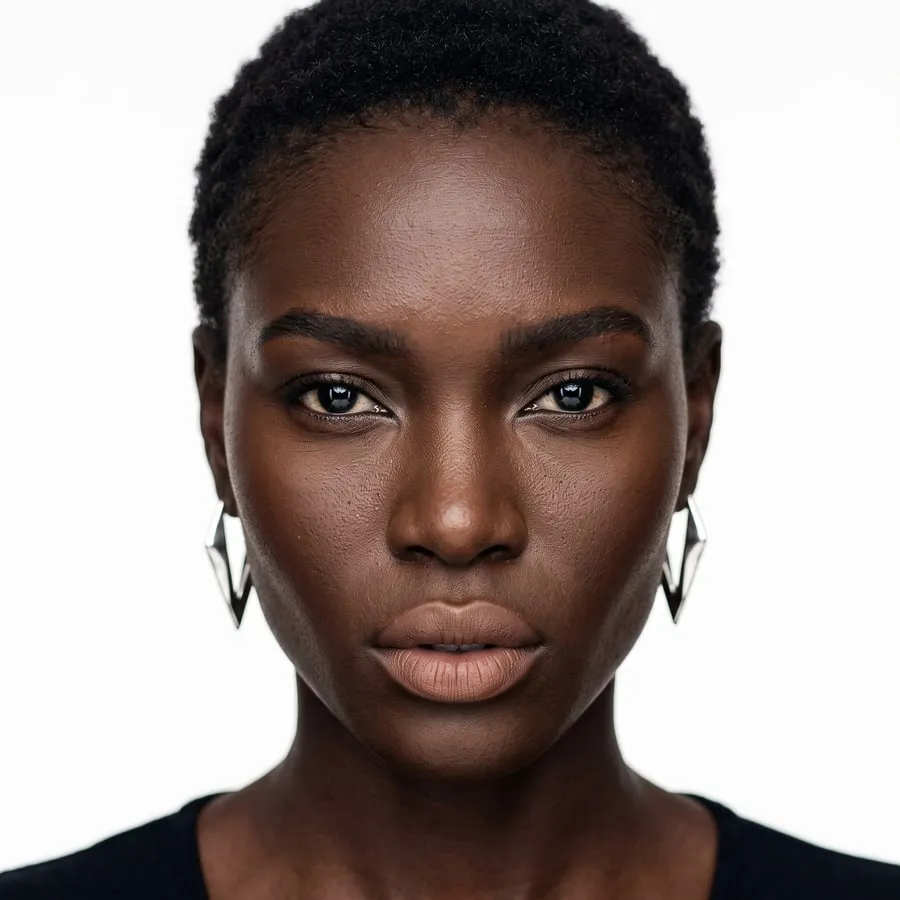
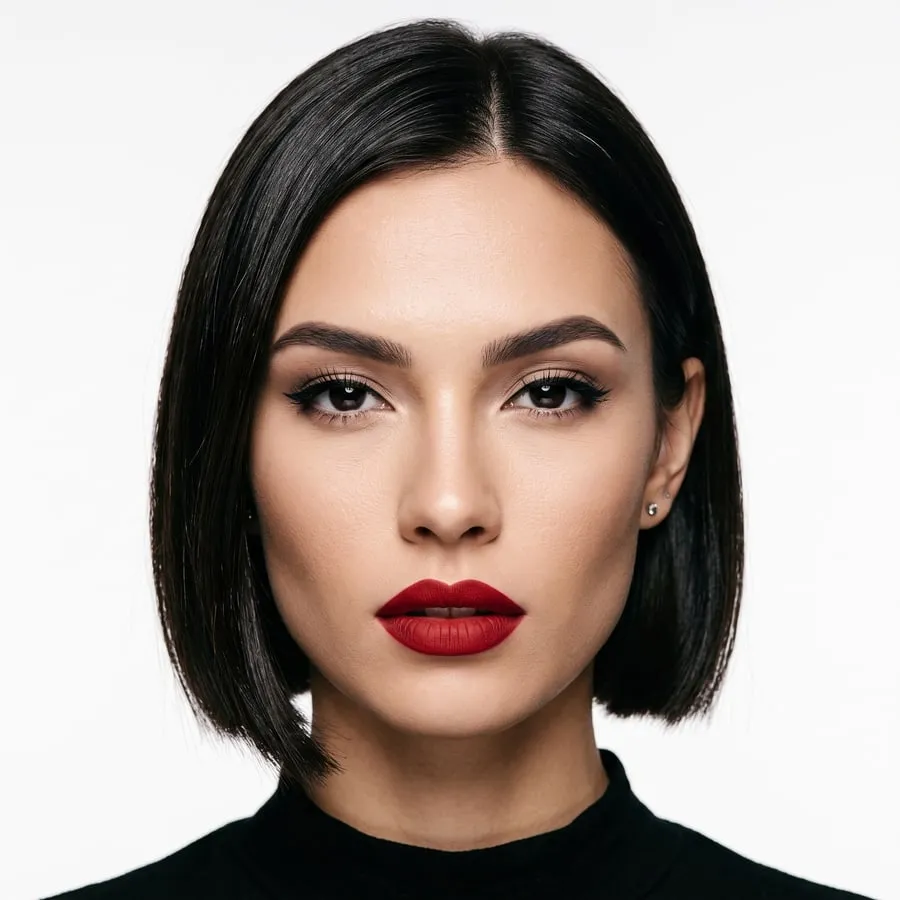
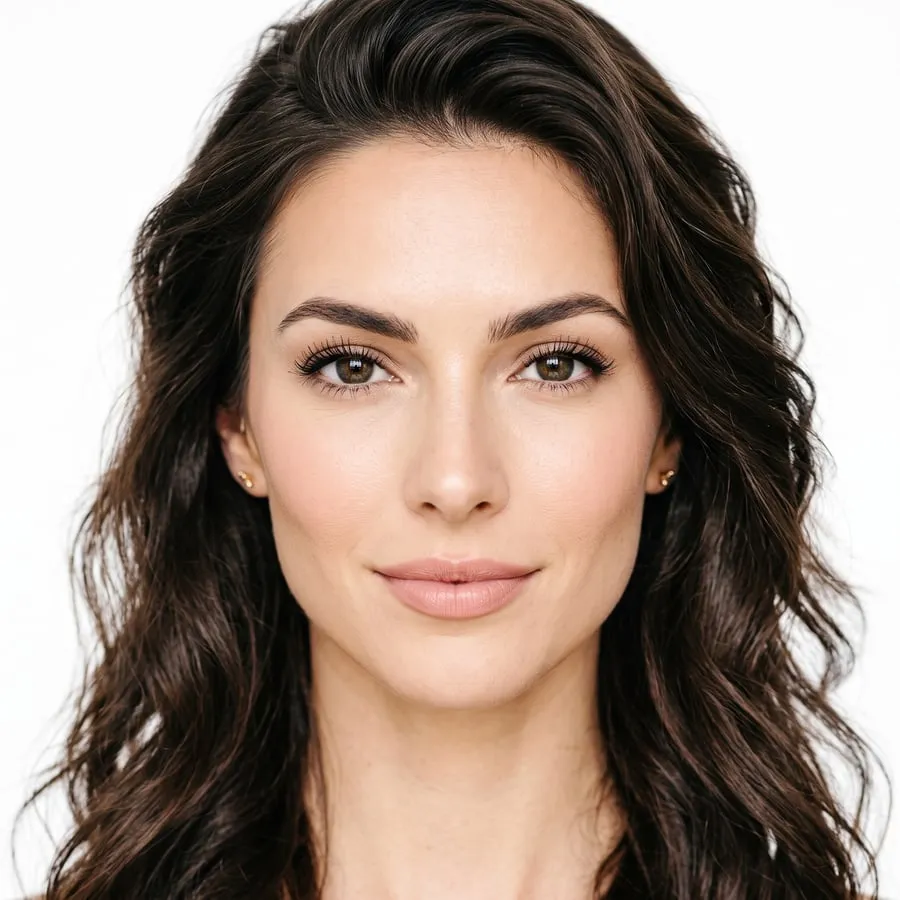
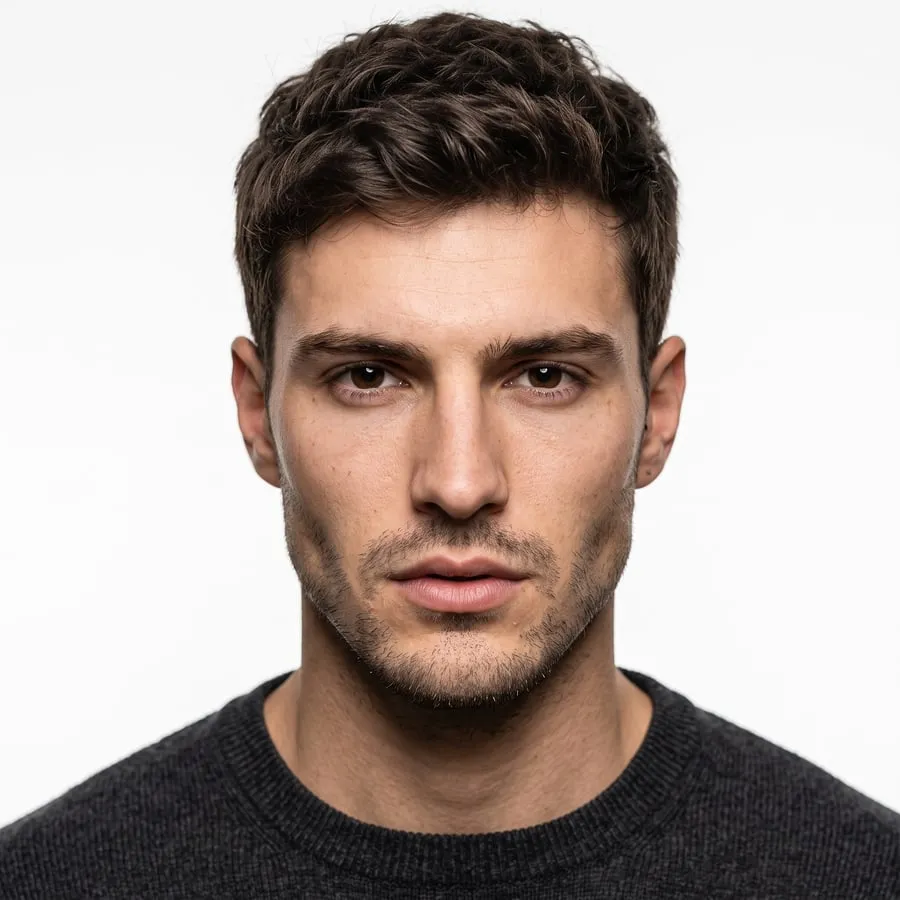
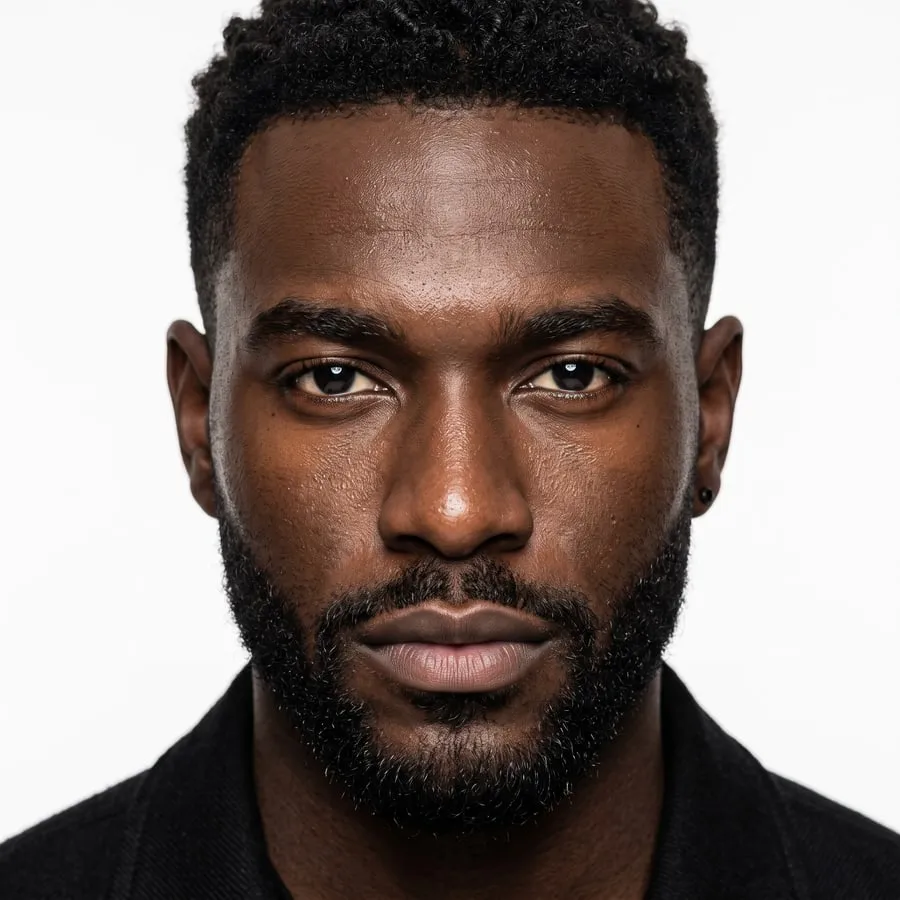
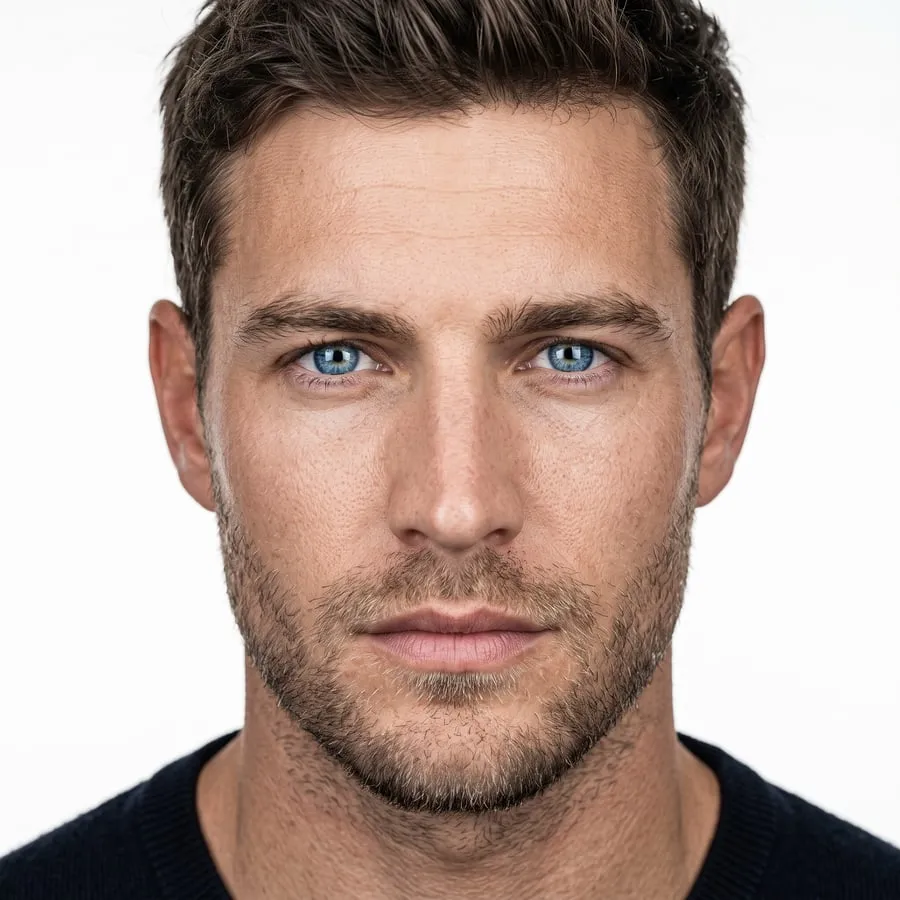
- New faces join over time


Sixteen places. Or yours.
Every place is photographed empty first, so every photo of a shoot is taken in the same one. Or describe a place in a sentence, or upload a photo of your own.


- Living room
- Boutique
- Gallery
- Office
- Gym
- Park
- Garden
- Poolside
- Woodland
- Snow
“A photo studio with a seamless mustard-yellow paper backdrop and floor, lit with warm, soft light from one side.”

Made from that sentence · #1032
Drop a photo of your shop, studio or wall
At least 512 px on both sides
The model is photographed in it, in its own light · #1028
Simple plans, billed through Shopify.
A photo is 10 credits. Your plan's credits arrive at the start of each billing period, and photos that don't come out are refunded.
| PlansMonthly, in USD | Free $0/monthStart free | Starter $14/monthChoose Starter | Growth Best value$29/monthChoose Growth | Pro $64/monthChoose Pro |
|---|---|---|---|---|
| Photos a month | 5 | 50 | 150 | 300 |
| Credits | 50 | 500 | 1,500 | 3,000 |
| Price per photo | Free | $0.28 | $0.19 | $0.21 |
| Full photoshoots (12 photos) | — | About 4 | About 12 | 25 |
| Every model and place | Included | Included | Included | Included |
| Full resolution, 2480 × 3312 | Included | Included | Included | Included |
| Photos that don't come out, refunded | Included | Included | Included | Included |
Billed monthly through Shopify with your other apps. Unused credits don't roll over. Change plans or cancel any time from your Shopify admin.
Do I need new photos of my products?
No. OnShoot works from the photos already on your product. A clear, front-facing photo of the whole garment works best, at least 512 px on both sides.
What if a photo doesn't come out?
Its credits come back automatically. The AI turns some photos down, most often because the product photo was too small, cropped, or had more than the garment in it.
How long does a photoshoot take?
About two minutes for most photoshoots, and around three for twelve photos. It runs in the background, so you can leave the page and come back.
Can I use my own location?
Yes. Describe the place in a sentence, or upload a photo of your shop, studio or wall, and the model is photographed there.
What does adding photos to a product change?
Only its media. Add puts the photos after the current ones; Replace takes the current ones off first, and they stay in your store's Files.
How am I billed?
Through Shopify, on your store's regular bill. Credits arrive at the start of each billing period, and credits left over don't carry into the next one.
Your next product photos are a few minutes away.
Install OnShoot free and make your first five photos today.


